

Ad: this post contains affiliate links, marked (ad). If you buy through them, I earn a small commission at no extra cost to you. As an Amazon Associate I earn from qualifying purchases. Read my affiliate disclosure.
Last updated: 9 October 2026
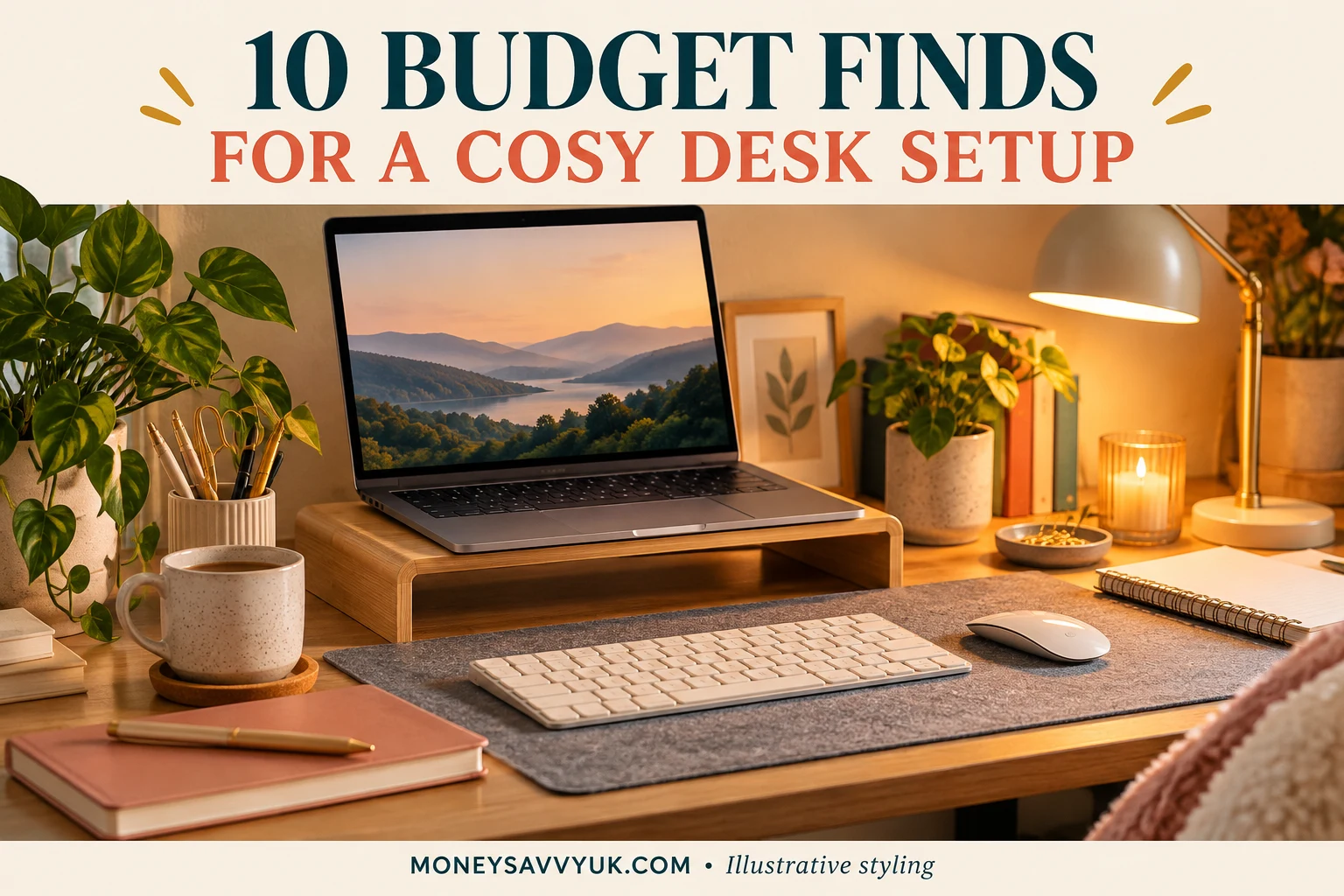
A cosy, aesthetic desk setup doesn’t need an expensive chair or a matching set of everything. If you work from home, study, run a side hustle or just do the family admin at a desk in the corner of a room, a few small upgrades can make it more comfortable, tidier and a nicer place to sit.
This list puts the useful upgrades first: the things that help your neck, your wrists and your focus. After that come a few optional cosy extras, which are lovely but not essential. That way, if your budget is small, you know exactly where to start.
Amazon prices change all the time, so I haven’t listed them. Click through to check today’s price, and only buy what you’ll actually use.
Short on time? My top 3 picks
- An adjustable laptop stand: raises your screen to eye level. Check today’s price on Amazon (ad)
- A wireless keyboard and mouse set: you need these once the laptop is raised. Check today’s price on Amazon (ad)
- An LED desk lamp with adjustable brightness: good light on dark winter afternoons. Check today’s price on Amazon (ad)
Start with what you have
Before you buy anything, try these free fixes:
- Raise your laptop on a stack of books so the top of the screen is roughly at eye level.
- Put the desk near a window for daylight, but side-on so there’s no glare on the screen.
- Clear the desk of everything you don’t use every day.
- Use a cushion behind your lower back if your chair isn’t very supportive.
The Health and Safety Executive has free guidance on working safely at a screen from home, which is worth a read if you sit at a desk for long hours. Then add the upgrades below one at a time.
A comfortable desk in 5 quick checks
- Screen: the top of the screen is roughly at eye level, about an arm’s length away.
- Arms: your elbows are bent at about a right angle when you type, with your shoulders relaxed.
- Back: your lower back is supported by the chair or a cushion.
- Feet: flat on the floor or on a footrest.
- Breaks: stand up and move every hour or so; a glass of water on the far side of the room helps.
If one of these checks fails, that tells you which upgrade to buy first.
Useful upgrades: comfort and focus first
These are the buys that make a difference to how you feel at the end of a working day.
1. An adjustable laptop stand
Raises your laptop screen towards eye level, so you’re not looking down all day. A foldable aluminium stand packs into a bag if you sometimes work elsewhere. It works best with a separate keyboard and mouse.
Check today’s price on Amazon (ad)
2. A wireless keyboard and mouse set
Once your laptop is raised, you’ll need a separate keyboard and mouse to type comfortably. Make sure the keyboard has a UK layout (the £ sign and the right-hand Enter key).
Check today’s price on Amazon (ad)
3. An LED desk lamp with adjustable brightness
Good light makes a desk more comfortable on dark winter afternoons. Look for adjustable brightness and colour temperature, so you can use cool light for working and warm light in the evenings. Some include a USB port for charging your phone.
Check today’s price on Amazon (ad)
4. A footrest
If your feet don’t sit flat on the floor, a footrest helps you sit more comfortably, especially at a kitchen-table height desk. A simple angled footrest is enough for most people.
Check today’s price on Amazon (ad)
5. A large desk mat
Protects the desk, gives the mouse a smooth surface, and instantly makes a kitchen table or old desk look like a proper workspace. Wipe-clean faux leather mats are practical.
Check today’s price on Amazon (ad)
6. Cable clips and a cable tidy
Tangled cables make a desk feel messy, however tidy the rest is. Adhesive clips keep chargers in place at the edge of the desk, so they stop falling down the back.
Check today’s price on Amazon (ad)
7. A desk organiser
One home for pens, sticky notes, chargers and the bits that otherwise spread across the desk. A small organiser with a drawer or two hides the clutter.
Check today’s price on Amazon (ad)
Optional cosy extras (if the budget stretches)
These are the finishing touches. Lovely, but buy them only once the useful upgrades are done.
8. A faux desk plant
A bit of green makes a desk feel calmer. A good-quality faux plant needs no watering and survives forgotten weeks, but a real, easy plant from a garden centre works too.
Check today’s price on Amazon (ad)
9. Warm white fairy lights or a small lamp
USB fairy lights along a shelf or around a pinboard make a desk feel cosy on dark evenings. Choose warm white for a soft glow.
Check today’s price on Amazon (ad)
10. A wearable blanket for cold days
Working from home in winter can be cold if you keep the heating low. A wearable blanket keeps you warm at the desk, and can mean you don’t heat the whole house just for one person sitting still. Use my energy price cap calculator to see what your heating is costing.
Check today’s price on Amazon (ad)
Shop the look: two aesthetic desk setups
Here is how the pieces work together. Buying the whole look in one go is often easier than hunting for each piece separately.
Warm minimal
Clean, calm and bright: white, wood and warm light.
- Aluminium laptop stand: Check today’s price on Amazon (ad)
- White wireless keyboard and mouse: Check today’s price on Amazon (ad)
- Wood-effect desk organiser: Check today’s price on Amazon (ad)
- Faux desk plant: Check today’s price on Amazon (ad)
- Warm white USB fairy lights: Check today’s price on Amazon (ad)
Dark academia
Moody and cosy: dark tones, books and lamplight.
- Faux leather desk mat (brown): Check today’s price on Amazon (ad)
- Brass-effect desk lamp: Check today’s price on Amazon (ad)
- Bookends: Check today’s price on Amazon (ad)
- Wearable blanket: Check today’s price on Amazon (ad)
Clear budget choices
If you can only buy three things, I’d choose:
- A laptop stand
- A wireless keyboard and mouse
- A desk lamp
Together they make a laptop on a kitchen table feel like a real workstation. Everything else can come later.
Working from home? Count the costs and the savings
- Keep receipts if you buy equipment for self-employed work or a side hustle. You may be able to claim allowable expenses. See allowable expenses vs the trading allowance.
- Check your commute savings with the fuel and commute cost calculator.
- Looking for work you can do from home? See how to make money on Pinterest and becoming a Pinterest virtual assistant.
What I’d do first
- Try the free fixes for a week.
- Notice what still bothers you: your neck, your wrists, the light or the mess.
- Buy the one upgrade that fixes the biggest problem.
- Add the cosy extras last, if the budget stretches.
More from MoneySavvyUK
- Side hustle tax and the £1,000 trading allowance
- Self-employed tax calculator
- How to sell on Etsy UK
- Pinterest SEO for UK bloggers
- Subscription cost calculator
- How to build your first £1,000 buffer
My Amazon shop
I keep my favourite money-saving and work-from-home buys together on my Amazon storefront: Check today’s price on Amazon (ad).
Frequently asked questions
How can I make my desk setup cosy on a budget?
Start with free fixes like raising your laptop and decluttering, then add a laptop stand, keyboard and mouse, and a lamp. Finish with cheap extras such as warm white lights and a plant.
What do I need for a work-from-home desk?
A laptop stand or monitor at eye level, a separate keyboard and mouse, good lighting, a supportive chair or cushion, and somewhere tidy to keep cables and stationery.
Can I claim desk equipment as a business expense?
If you’re self-employed, equipment used for your business may count as an allowable expense. Check the rules on GOV.UK and keep receipts.
How do I keep warm working from home without heating the whole house?
Wear layers, use a wearable blanket or throw, and keep the door to your workspace closed.
Summary
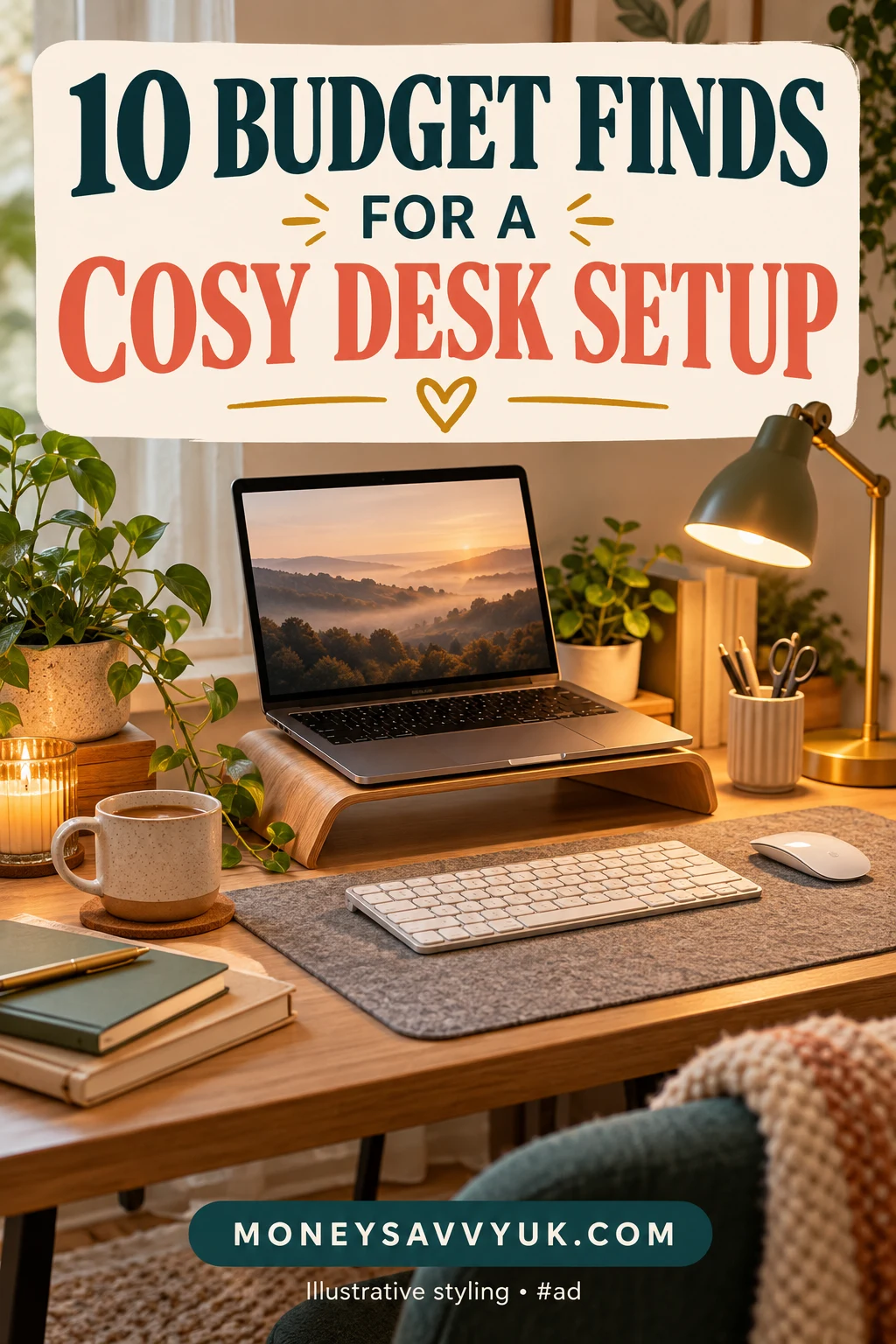
- A cosy desk setup starts with useful upgrades, not decorations.
- Raise your screen and use a separate keyboard and mouse.
- Good lighting makes a big difference on dark afternoons.
- Add cosy extras like a plant and fairy lights last.
- Keep receipts if the desk is for self-employed work.
What’s on your desk that you couldn’t work without? Tell me in the comments.
I am not a financial adviser; this is general information. Prices and availability on Amazon change, so please check before you buy.
About the author
Kalpana writes MoneySavvyUK, sharing practical ideas for spending less and planning household money. Read more about Kalpana.
More Amazon shopping guides
Browse all Shopping & Gift Guides for seasonal ideas, thoughtful gifts and practical home buys.
Planning Christmas gifts? Browse cosy gifts for homebodies and useful Secret Santa gifts for more ideas.
- Reusable Halloween Costume Ideas for Kids: 10 Pieces
- Cosy Halloween Decor for Small Homes: 10 Amazon Finds
- Budget Binder Supplies for Your Financial Reset
- Stocking Fillers for Teens UK: 15 Ideas They’ll Actually Use
- 10 Small Kitchen Organisers to Add to Your Black Friday Wishlist
- Turn cashback into Amazon gift cards