

Disclosure: I use Hostinger for MoneySavvyUK. Hostinger links in this guide are ordinary editorial links. My own paid planners are mentioned below.
Last updated: 12 October 2026. Tax references use the 2026/27 tax year.
Sorting out blogging legal pages UK readers can understand is part of building a trustworthy website. You don’t need to panic, but you do need to describe what your site actually does.
I run MoneySavvyUK as a UK mum, PhD scientist and former science teacher. I’m not a solicitor or financial adviser. This is a practical checklist with official sources, not a certificate that your website complies with every rule.
If you are still building, keep our blog-starting roadmap and Hostinger WordPress setup guide beside this one.

Quick answers for new UK bloggers
Which pages does a UK blog need before it goes live?
A UK blog should provide privacy information wherever it processes personal data, cookie information where relevant and clear disclosures for affiliate advertising. About and Contact pages help readers identify you. Website terms and sales information depend on your activities. Publishing pages alone does not establish compliance; your actual systems and practices must match.
- Privacy notice matched to the data you actually process.
- Cookie information and applicable tracking choices.
- Affiliate disclosure plus clear labels within monetised content.
- About page and a working contact route.
- Appropriate website terms and, if selling, required sales information.
Does a privacy policy and cookie banner make my blog legally compliant?
No. A privacy notice and cookie banner are only parts of your setup. The notice must describe your real data processing, and the controls must work for the technologies you use. Review marketing permissions, affiliate disclosures, records and any sales obligations too. Use current ICO guidance and obtain advice where your situation needs it.
How should I disclose affiliate links on a UK blog?
Make the commercial relationship clear before readers engage with affiliate advertising. Use prominent, understandable advertising labels rather than hiding the explanation in a footer. Follow ASA guidance and each programme’s terms. For Amazon, include its required Associate disclosure as well; that statement does not replace clear labelling of the relevant advertising.
Blogging legal pages UK: 12 checks for a new blog
1. List what your website does
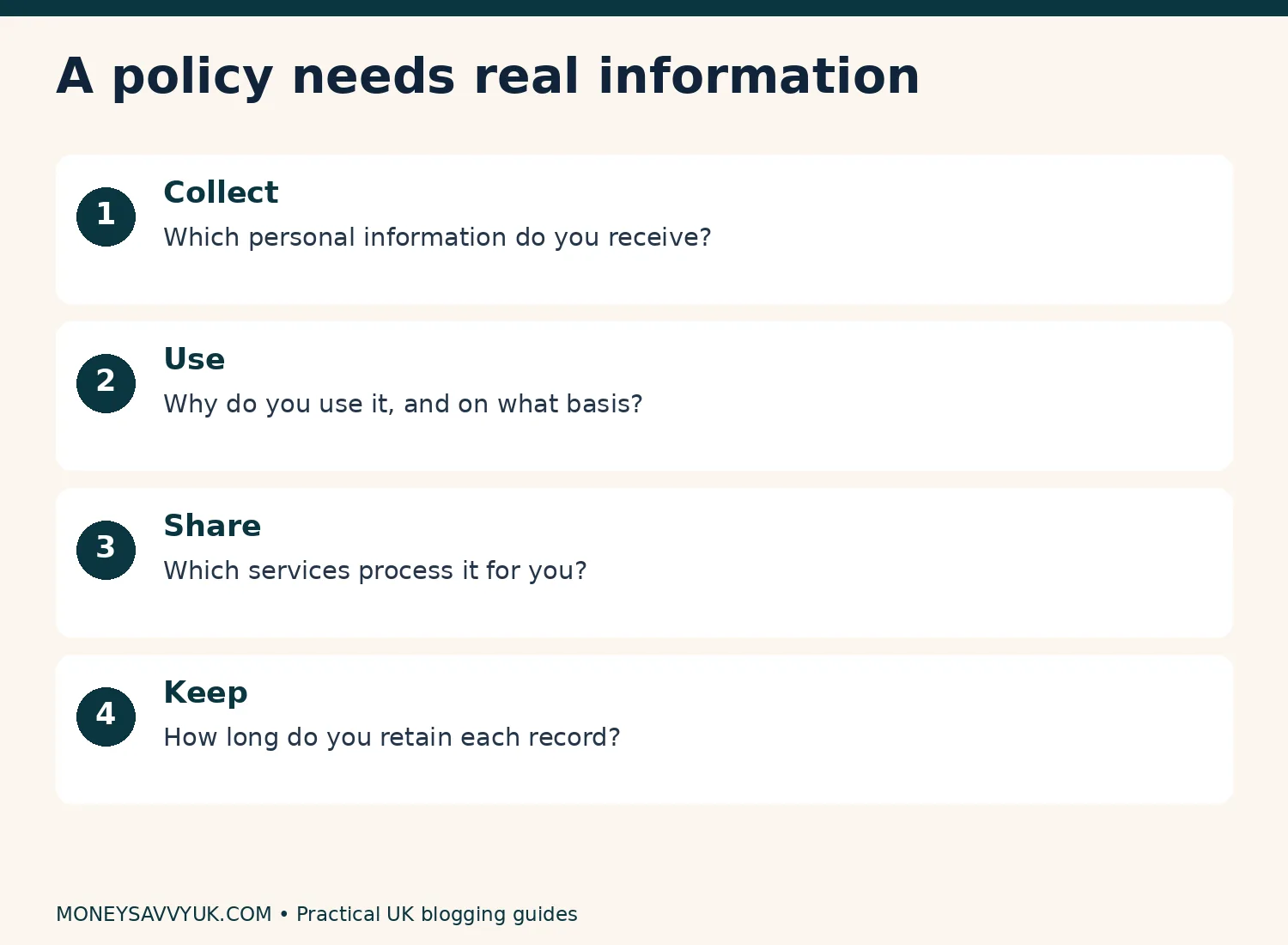
Before writing a policy, make an activity inventory. Does the site accept comments, receive contact enquiries, collect email addresses, use analytics, display ads, contain affiliate links or sell downloads? Each activity changes what you need to explain and sometimes what you need to configure.
A plain article site with no forms isn’t identical to a shop with payment processing and personalised advertising. A generic document that mentions everything isn’t necessarily safer. It can mislead people about data you don’t collect or safeguards you haven’t implemented.
Create a table with activity, tool, data collected, purpose, recipient and retention period. Check it against your dashboard and plugin settings. If you don’t know whether a service is active, investigate before publishing a confident statement about it.
For example, a contact form might collect an email address and message, send a notification to your inbox and retain a submission in WordPress. Those are separate copies to consider. Deleting the email doesn’t automatically delete the stored form entry.
2. Match your privacy notice to reality
A privacy notice explains how you handle personal information. Use the ICO’s privacy-information guidance to identify the information relevant to your activities, including who you are, purposes, lawful bases, sharing, retention and rights.
Don’t say “we never share data” if an email platform, host or analytics provider processes it. Describe those relationships accurately. If information can be processed outside the UK, investigate the arrangements instead of inserting an unsupported claim that everything stays locally.
Make the notice accessible from the footer and near data-collection points. The form should tell people enough to understand what will happen before they submit. A link to a buried page doesn’t make an unclear sign-up invitation clear.
Write in ordinary language. “We use your email address to send the newsletter you requested” is easier to understand than a paragraph of unexplained legal vocabulary. Don’t invent a retention period because a template has a blank: choose one you can follow and document the reason.
3. Treat cookies as a configuration task
A cookie notice and a cookie banner do different jobs. The notice explains tracking; the consent controls manage choices where consent is required. Installing a banner that says “we use cookies” doesn’t prove that scripts obey those choices.
Review the ICO’s current cookie guidance. Rules and exceptions depend on purpose and conditions. Advertising tracking differs from functionality needed to provide a service a visitor requests.
If your setup requires consent before optional tracking, test a fresh visit before clicking anything, then rejection, acceptance and withdrawal. Check actual script behaviour. Don’t assume a consent-mode integration means no information is sent before a choice.
A sensible small-site checklist is: identify scripts, classify purposes, configure controls, test them and document the result. Repeat after adding a new advertising or analytics tool. Your WordPress setup checklist explains why a working banner needs verification rather than a screenshot alone.
4. Choose one consent tool
CookieYes, Complianz and other WordPress consent tools have free and paid offerings with different features and limits. Check the official listing and current free-plan terms against your needs. “Free” doesn’t automatically mean unlimited scanning, unlimited views or every integration.
Don’t install several competing consent tools. Conflicting banners and duplicated controls can leave visitors with an unclear choice and make testing much harder. One well-configured approach is easier to maintain.
Check mobile appearance, button labels, access to preferences and whether rejection is practical. A banner should not hide essential navigation or push a visitor into acceptance through confusing wording.
After setup, keep a note of the version, configuration and test date. If a plugin changes or you add a new tag, rerun the checks. No plugin can guarantee compliance with every data-protection duty just by being activated.
5. Ask clearly about newsletters
For a typical new blogger collecting newsletter subscribers, ask for a clear affirmative sign-up and explain what emails will follow. Don’t add a person to a marketing list just because they sent a contact enquiry or downloaded a document without an appropriate marketing choice.
The ICO’s electronic-mail marketing guidance explains consent and circumstances in which a soft opt-in may apply. Don’t assume every free download or previous interaction qualifies.
Keep records of the sign-up wording, action and date. Double opt-in can help verify an address and record confirmation, but it doesn’t repair misleading wording. Include a working unsubscribe option and honour requests.
Test the journey with an address you control: form, confirmation where used, delivery and unsubscribe. Tell people what the freebie is and whether they will also receive ongoing marketing. Your sign-up promise must match what your system delivers. A person who asked a question through a contact form hasn’t automatically asked for sales emails.
6. Make affiliate advertising obvious
Affiliate marketing is a commercial relationship. Readers should understand that relationship before engaging with the relevant promotion. A small link to a general disclosure page at the bottom isn’t a substitute for clear labelling in the content.
The ASA’s affiliate-marketing guidance explains the need for advertising to be recognisable. Use an obvious “Ad” label where applicable, and put the explanation near the start of the affiliate content. The exact scope depends on the material, so review the guidance for your format.
A practical example is: “Ad: this article contains affiliate links, marked (ad). If you buy through them, I earn a commission at no extra cost to you.” Use that wording only if it accurately describes the arrangement. Label linked recommendations consistently and add rel=“sponsored nofollow” to affiliate links where supported.
The rel attribute is for search engines; it isn’t a visible disclosure to a person. Likewise, “affiliate” alone may not communicate advertising clearly to everyone. Our Pinterest affiliate guide covers why you must also think about the promotional pin itself.
7. Read each programme’s rules
An affiliate programme can impose rules beyond general UK advertising obligations. Check permitted websites, platforms, link formats, images, price displays and prohibited claims. Being accepted by one programme doesn’t mean another follows the same rules.
For Amazon, use its official tools and current UK Operating Agreement. Its required identification statement is: “As an Amazon Associate I earn from qualifying purchases.” This is additional to making relevant advertising clear. Don’t invent different wording and assume it meets Amazon’s exact requirement.
Don’t copy Amazon customer reviews, star ratings or product images without the permission and mechanisms allowed by the programme. Original photographs, with the necessary rights, differ from downloading another seller’s catalogue image. Check the rules for approved advertising content.
Hostinger’s personal referral scheme is an important example: its current guidance restricts sharing to personal use and prohibits publication on commercial blogs. An approved commercial affiliate link is a different route. You can link editorially to a provider without inserting a restricted referral code while arranging the appropriate programme.
8. Keep your terms realistic
Website terms can explain acceptable use, copyright, information limitations and contact arrangements. They are useful, but there isn’t one universal document that protects every blog from liability.
A disclaimer cannot turn misleading advice into accurate advice, override mandatory consumer rights or make a regulated promotion lawful. If you sell a product, your customer information and terms need to address the transaction, not just the fact that you have a blog.
For a site discussing money, explain the limits of general information and avoid presenting individual recommendations as personal advice. Check any regulated financial promotion carefully. Our financial disclaimer describes MoneySavvyUK’s information boundaries, but copying it won’t establish yours.
Keep claims precise: “This checklist helps you identify questions to check” is supportable; “These three pages make your business legally bulletproof” isn’t. Trust grows when readers can tell where your knowledge ends and which official source answers the next question.
9. Check tax using gross income
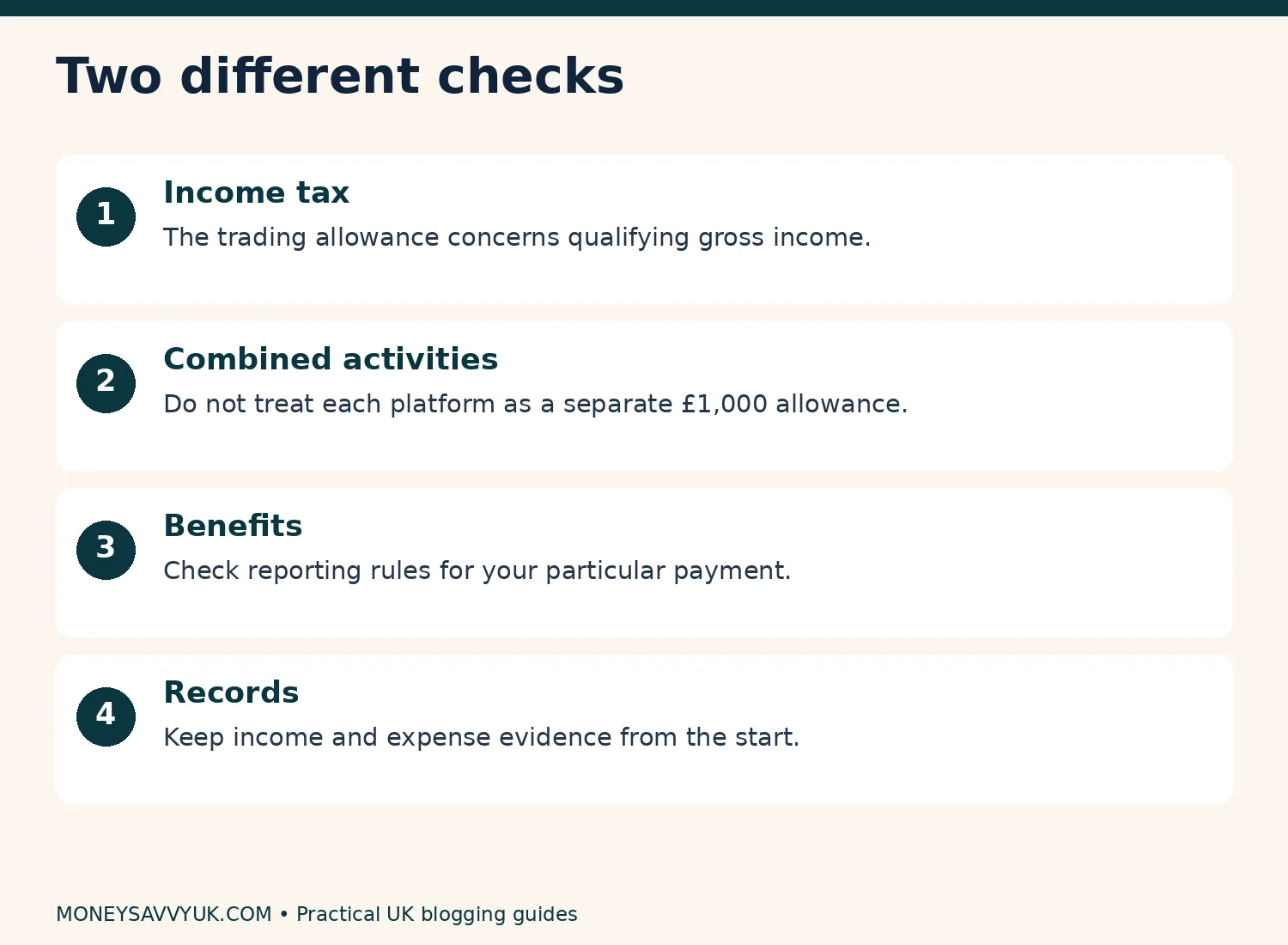
For 2026/27, the income-tax trading allowance is generally up to £1,000 of qualifying trading income in a tax year, subject to conditions and exceptions. It concerns gross income before expenses and is shared across relevant trading activities; it isn’t £1,000 for each blog or platform.
If gross trading income is more than £1,000, you generally need to register for Self Assessment, subject to the relevant rules. Don’t wait for profit to cross £1,000 before investigating. HMRC’s trading-allowance guidance explains eligibility and situations where registration may still be useful or necessary below the threshold.
Read our side-hustle tax guide for more detail and sole-trader registration guide for the process. Whether to claim the allowance or deduct allowable expenses is a separate calculation; you normally don’t deduct both against the same income.
Keep records even while income is small. Saving a receipt when it arrives is easier than rebuilding a year’s spending from memory. Tax, programme payment schedules and benefit reporting can use different concepts and timing.
10. Keep an income-and-expense record
Use a spreadsheet with date, description, source, gross amount, fees, refund, amount received and supporting record. Add an expenses sheet for hosting, domains and business costs. Distinguish actual payments from pending programme earnings.
Here is an illustrative example, not my earnings: a blogger has £800 in affiliate income and £350 from design services in the same tax year. Combined gross trading income is £1,150 before expenses. Looking at the blog alone would miss the shared allowance issue.
Another example: gross income is £2,000, and potentially allowable expenses are £1,300. Deducting those expenses gives £700 before other considerations; claiming a £1,000 allowance instead leaves £1,000. This simplified comparison shows why “always claim the allowance” isn’t universal advice. Eligibility and proper expense treatment still need checking.
Our Etsy fees and tax guide is relevant if you also sell there. Use our calculators for household planning while keeping business records separate from personal spending. Record the exchange rate and original statement if a programme pays in another currency.
11. Check benefits separately
An income-tax allowance doesn’t mean a payment can be ignored for Universal Credit or another benefit. If you receive Universal Credit, check self-employment reporting and how assessment periods apply to your circumstances.
Maternity Allowance and Statutory Maternity Pay also have different rules about work. Don’t rely on a generic claim that every kind of blogging is allowed without affecting payment. Check which payment you receive, what work you intend to do and your reporting obligations.
The GOV.UK self-employment and Universal Credit guide and Maternity Allowance guide are starting points. Ask the appropriate service a specific question if your situation is unclear, and keep a record of the answer.
Our maternity budgeting article and free money-help guide may help. A blog is a project to assess alongside essential support, not a reason to risk a payment you rely on.
12. Verify AI-generated drafts
AI can draft plain-language explanations and organise a policy inventory. It cannot certify a policy’s legal accuracy or know which scripts your site runs unless you supply reliable information. Even a polished document can describe the wrong business.
Use this prompt: “Here is my website’s activity inventory. Draft a plain-English privacy-notice checklist based only on these facts. Mark unknowns and identify official UK guidance. Do not invent lawful bases, processors, retention periods or international-transfer safeguards. Do not claim the document is certified or compliant.”
Verify each section against your setup. Where legal advice is needed, get appropriate professional help rather than asking AI to sound more certain. The same principle applies to tax calculations and regulated claims.
Keep policy versions and note what changed. Updating a document without changing the system doesn’t resolve a technical privacy problem. Our Amazon niche guide applies this evidence-first approach to recommendations too.
Income tax and benefits require separate checks; keep business records from the start.
Which pages should a beginner create?
| Page or information | Purpose | What to check |
|---|---|---|
| Privacy notice | Explain personal-data handling | Tools, purposes, sharing, retention and rights |
| Cookie information | Explain tracking | Actual technologies and choice controls |
| Affiliate disclosure | Explain commercial relationships | Visible labelling in content too |
| Website terms | Explain use and limitations | Suitability for your activities |
| About | Identify author and scope | Honest experience and credentials |
| Contact | Provide a working contact route | Delivery and data handling |
| Sales information, if selling | Explain transactions | Customer rights and product-specific rules |
These don’t all need separate pages. What matters is clear, accessible information. A combined privacy-and-cookie page may be practical; a general disclosure page still doesn’t replace an upfront ad label.
What I’d do first before publishing
I’d write the activity inventory, remove tools I don’t need and finish relevant privacy information. Next, I’d label commercial content and test consent and sign-up behaviour. Finally, I’d start an income record before the first payment arrives.
Use the ICO fee checker to assess whether your activities require a data-protection fee. Don’t assume every blogger must pay or that every small blogger is exempt. Answer according to what your business actually does.
If costs are growing, revisit our subscription audit and 50/30/20 budgeting guide. The free Financial Reset Kit can help organise household commitments before adding business subscriptions.
Pin this guide for later.

Blogging legal pages UK: FAQs
Does every UK blog need the same legal pages?
No. Information and controls depend on the site’s activities,
including data collection, advertising and sales. Privacy information
matters when you process personal data, and commercial content needs
appropriate disclosure. Start with an activity inventory and official
guidance rather than assuming three generic templates cover every
possible website.Can ChatGPT or Claude write my privacy policy?
They can help draft text but cannot certify accuracy for your
website. Supply an activity inventory, flag unknowns and verify output
against your tools and official guidance. A professional-looking
document can still contain invented safeguards, irrelevant clauses or
missing information. Get appropriate advice where you cannot resolve a
material uncertainty.Is £1,000 of blog profit automatically tax-free?
The trading allowance generally relates to qualifying gross trading
income before expenses, not £1,000 of profit. It is shared across
relevant activities and has eligibility conditions and exceptions. Check
HMRC guidance and combined income before deciding whether registration,
an allowance claim or expense deductions apply to your
circumstances.Is a free cookie plugin enough for compliance?
No plugin alone establishes compliance. Identify your tracking,
configure appropriate choices, provide accurate information and test
behaviour. Free tools can have limits or missing integrations. Check
before-consent, reject, accept and withdrawal behaviour, and repeat
testing when the site’s tools or configuration change. A visible banner
isn’t sufficient evidence.Can I put a Hostinger referral link on my blog?
Hostinger’s current personal-referral guidance prohibits publishing
those links on commercial blogs and websites. Its commercial affiliate
programme is separate, with its own terms and approval. Use ordinary
editorial links while arranging an appropriate approved affiliate link;
don’t assume a code from your hosting dashboard permits public
commercial promotion.
Blogging legal pages UK: summary
- Inventory what your site collects and does.
- Write accurate privacy information and test consent controls.
- Make commercial recommendations recognisable as advertising.
- Check programme rules and keep supporting records.
- Track combined gross income and check benefits separately.
Which part needs the clearest explanation for your blog: privacy, affiliate labels or record keeping?
Sources and further reading
- ICO privacy information
- ICO cookie guidance
- ASA affiliate marketing
- HMRC trading allowance
- Amazon UK programme policies
- Hostinger referral restrictions
I’m not a financial adviser. This is general information; see the financial disclaimer.
About Dr Kalpana Govindaraasan
Dr Kalpana Govindaraasan is a UK mum, PhD materials chemist and former secondary science teacher who runs MoneySavvyUK. She shares practical ways to manage money and investigate income ideas, using official sources and clearly labelled examples.