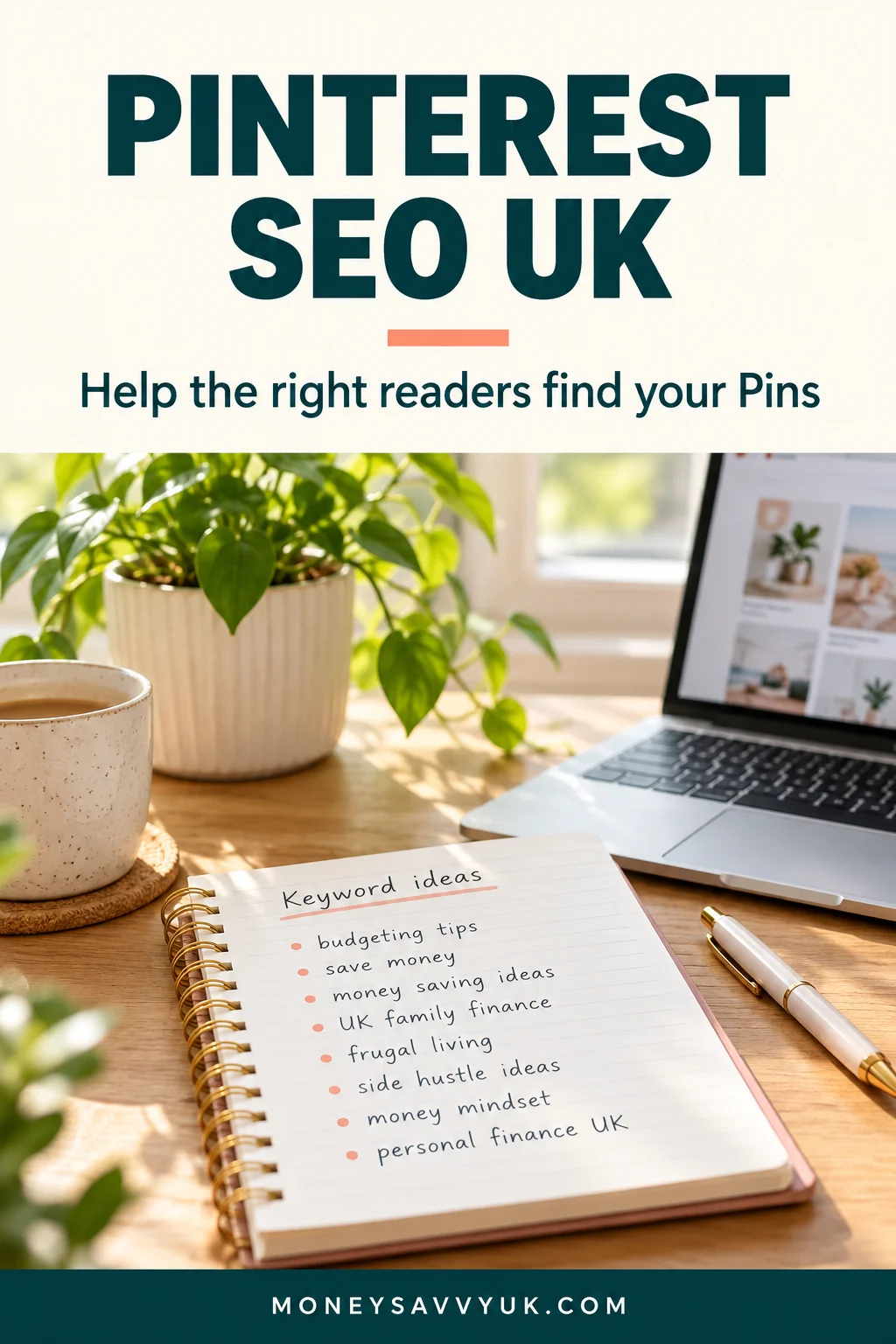

You’re pinning every day, but your pins get a handful of views and hardly any clicks. It’s disheartening. Usually the problem isn’t your designs, it’s that Pinterest doesn’t know what your pins are about. Pinterest is a search engine, and a few SEO habits can make a big difference.
Quick answer: Pinterest SEO means using the keywords people search for in your pin titles, descriptions, board names and profile, so Pinterest can show your pins in search and recommendations. Research keywords in the Pinterest search bar, use vertical images, link to relevant pages, and post fresh pins regularly.
You can create beautiful Pinterest Pins every day and still get very little traffic. The problem may not be your design. It may simply be that Pinterest does not understand what your Pin is about — or you are creating content nobody is searching for.
I love Pinterest because it works more like a search engine than a social network. A good pin can keep sending visitors to your blog for months, long after an Instagram post has disappeared. But pretty pins alone aren’t enough. The real secret is helping Pinterest understand what each pin is about, and that’s what this guide walks you through, step by step, without any paid tools.
Instead of “create pretty Pin → hope somebody sees it”, work like this: find what people search for → create useful content → optimise the Pin → measure whether people click.
Building your first website? Follow our UK start-a-blog roadmap and Hostinger WordPress setup guide before sending Pinterest visitors to it.
What Is Pinterest SEO?
SEO means search engine optimisation. Pinterest has its own search and discovery system. Your job is not to trick an algorithm; it is to make it easy for Pinterest and the person searching to understand exactly what your content is about.
Step 1: Start With What People Are Actually Searching For
Do not start with “What shall I post today?” Start with “What is my reader trying to find?” Use Pinterest search suggestions and variations to discover more specific searches and build keyword clusters rather than repeatedly targeting one enormous generic phrase.
Step 2: Use Pinterest Trends
Before paying for a Pinterest keyword tool, investigate Pinterest’s own trend data. Compare related terms, look for seasonality and prepare seasonal content early rather than waiting until the event has almost arrived.
Step 3: Give Each Pin One Clear Search Intention
You do not need to cram twenty keywords into every Pin. Decide what one person is looking for. The same genuinely relevant article can sometimes support several Pins that address different search angles, provided the Pins are not repetitive copies.
Step 4: Put Keywords in the Right Places
Use relevant language naturally in Pin titles, descriptions, boards and the surrounding account structure. Avoid awkward keyword stuffing.
Step 5: Don’t Ignore Your Pinterest Boards
Boards are not merely folders. Clear names help explain what the content is about. For MoneySavvyUK, useful board concepts might include UK Money Saving Tips, Budgeting for Beginners UK, Make Money Online UK, UK Side Hustle Ideas and Save Money on Household Bills.
Step 6: Make Pins People Can Actually Read
SEO may help a Pin become discoverable, but a human still has to decide whether to click. Prioritise a clear headline, readable design and a genuine promise over decorative clutter. A vertical 2:3 layout is a practical starting point.
Step 7: Create Original Pins — Not Endless Copies
Consistency should not mean uploading the same graphic repeatedly. Create genuinely useful variations: list-style design, question/headline, checklist, key takeaway or a different search-intent angle. Then compare performance.
Step 8: You Don’t Need Paid Scheduling Just to Test
A beginner can start with Pinterest Business, Canva Free and Pinterest’s own scheduling features. If Pinterest later becomes important enough to justify paid automation, make that decision based on evidence rather than fear of missing out.
Step 9: Claim Your Website
If Pinterest is being used to grow a blog or business website, claiming the website can improve attribution and analytics. For MoneySavvyUK, the goal is to connect site content clearly with the MoneySavvyUK Pinterest presence.
Step 10: Stop Obsessing Over Impressions
If the objective is website traffic, outbound clicks can matter more than impressive-looking impression totals. A Pin with fewer impressions but many more relevant outbound clicks may be much more valuable.
Step 11: Use Analytics to Decide What to Make Next
Use performance data to decide what to test next. If one topic or creative style produces more useful clicks, investigate why: topic, keyword, headline, image, design or seasonality.
My £0 Pinterest SEO Workflow
- Choose one useful MoneySavvyUK article.
- Type the subject into Pinterest search.
- Investigate relevant phrases.
- Check Pinterest Trends.
- Pick one clear search intention for the Pin.
- Create a vertical graphic using Canva Free.
- Write a clear, keyword-relevant title and natural description.
- Save it to the most relevant board.
- Link to the exact relevant article rather than the homepage.
- Watch outbound clicks, not just impressions.
- Create another genuinely different Pin and compare results.
Pinterest SEO Mistakes I’d Avoid
- Posting without researching the search intention.
- Stuffing descriptions with awkward keyword lists.
- Using vague board names.
- Uploading the exact same Pin repeatedly.
- Creating clickbait graphics that do not match the destination.
- Buying several Pinterest tools before establishing that you need them.
- Judging success purely by impressions.
- Publishing seasonal content too late.
Continue the Pinterest series
Start with How to Make Money on Pinterest UK. If affiliate income is your goal, read Pinterest Affiliate Marketing UK. If you want to sell Pinterest skills as a service, see How to Become a Pinterest Virtual Assistant.
Disclosure: This article is for general information and documents my research and experience. Pinterest features and policies can change, so check current Pinterest documentation before acting on platform-specific instructions.
Your Pinterest SEO checklist for every pin
- One clear search phrase chosen before you design the pin
- Keyword in the pin title, written for a human, not a robot
- A helpful description of one or two sentences that uses related words naturally
- A readable vertical design (2:3, such as 1000 × 1500 pixels) with a clear headline
- Saved to the most relevant board first
- Linked to a page that delivers exactly what the pin promises
- Fresh image or angle, not a copy of a pin you’ve already posted
Example: writing a pin title and description
Say you’re pinning a guide to cutting your food bill. Here’s how I’d approach it:
| Example | |
|---|---|
| Search phrase | cheap weekly shop UK |
| Pin title | Cheap Weekly Shop for a Family of Four (UK Checklist) |
| Description | A simple UK routine to cut your food bill: plan seven dinners, shop with a list, swap brands and waste less. Free checklist inside. |
| Board | UK Money Saving Tips |
You can see a real example of this kind of pin on my cheap weekly shop guide.
Free tools that help
- Pinterest Trends: see what people search for and when interest peaks.
- Pinterest Business: a free business account gives you analytics and lets you claim your website.
- Canva: free templates for clean, readable pins. My Canva guide covers more ways to use it.
Pinterest SEO: your questions answered
How long does Pinterest SEO take to work?
It varies, but it often takes weeks or even a few months for pins to build momentum. The good news is that pins can keep bringing traffic long after you post them, so it’s worth being patient and consistent.
Do hashtags still work on Pinterest?
Pinterest relies far more on keywords in your titles, descriptions and boards than on hashtags. Focus on clear, natural keywords instead.
How many pins should I post a day?
There’s no magic number. A few genuinely fresh, useful pins each week usually beats lots of near-identical copies. Pick a pace you can keep up.
Do I need a Pinterest business account?
It’s free and worth having. A business account gives you analytics, lets you claim your website and helps you see which pins are working.
What size should a Pinterest pin be?
A vertical 2:3 ratio works well, such as 1000 × 1500 pixels. Keep text large enough to read on a phone.
Can Pinterest bring traffic to a UK blog?
Yes. Many UK bloggers get steady traffic from Pinterest, especially for evergreen topics such as money saving, recipes and home. Choose UK-specific keywords so the right readers find you.
Pinterest rewards patience, so don’t give up after a quiet month. Keep pinning helpful content, check your analytics and do more of what works. Continue the series with how to make money on Pinterest in the UK, Pinterest affiliate marketing and becoming a Pinterest virtual assistant.